
Made with Mosea
AI MARKETING PLATFORM FOR TEAMS
One AI Workspace for Your Brand
Your marketing team’s AI for ideas, designs, videos and social posts.
Plan the campaign. Review the work. Schedule it in one place.
Book a live walkthrough for your team.



Video technology

Video generation with BytePlus.
Use BytePlus video models inside Mosea’s creative workflow.
- Video generation
- Your brand rules
- Model options for each task
Model options
We confirm the available models for your workflow and setup.
SeedanceVideoGPT ImageImagesGeminiImagesNano Banana ProImages
Technology references
Reference logos only. Product use, compatibility and partnerships are not implied.





01 / How it works
See your team’s
workspace.
Explore the tools your team will use. Pick a view, then follow the seven steps below.
StrategyBrand Cowork
Discuss an idea. Review the brand preferences saved from your conversation.
Actual Mosea interface with example brand content. Brand names do not indicate endorsement.01 / Brainstorm with Brand Cowork
Start with a conversation.
Discuss campaign ideas with an AI that uses your brand context. Ask for designs in the same conversation.
Brand CoworkExample conversation
Plan our product launch. Give me three feed ideas.
Show the product in use. Explain the main benefit. Give people a clear next step. Here are three design directions to review.
.webp&w=3840&q=75) Direction 01
Direction 01.webp&w=3840&q=75) Direction 02
Direction 02.webp&w=3840&q=75) Direction 03
Direction 03Three directions, ready to review.
Illustrative workflow
Explore brainstorm with brand cowork
02 / Content recommendations
Know what to make next.
Start with ideas shaped by your brand, your competitors and what people are watching.
Your
brand
Your past workCompetitorsMeta Ads Librarybrand
Research becomes ideas you can use.
Illustrative workflow
Explore content recommendations
03 / Campaigns
One brief. A campaign plan.
Describe the campaign. Review image and video briefs. Approve the items you want to make.
Plan a warm Ramadan campaign for three products.
20 feed posts10 stories
Each item has a brief and a review status.
Review gate
Your team approves each item before generation.
Portfolio range
20 examples from separate projects.
Separate studio and concept examples. They were not made from the sample brief.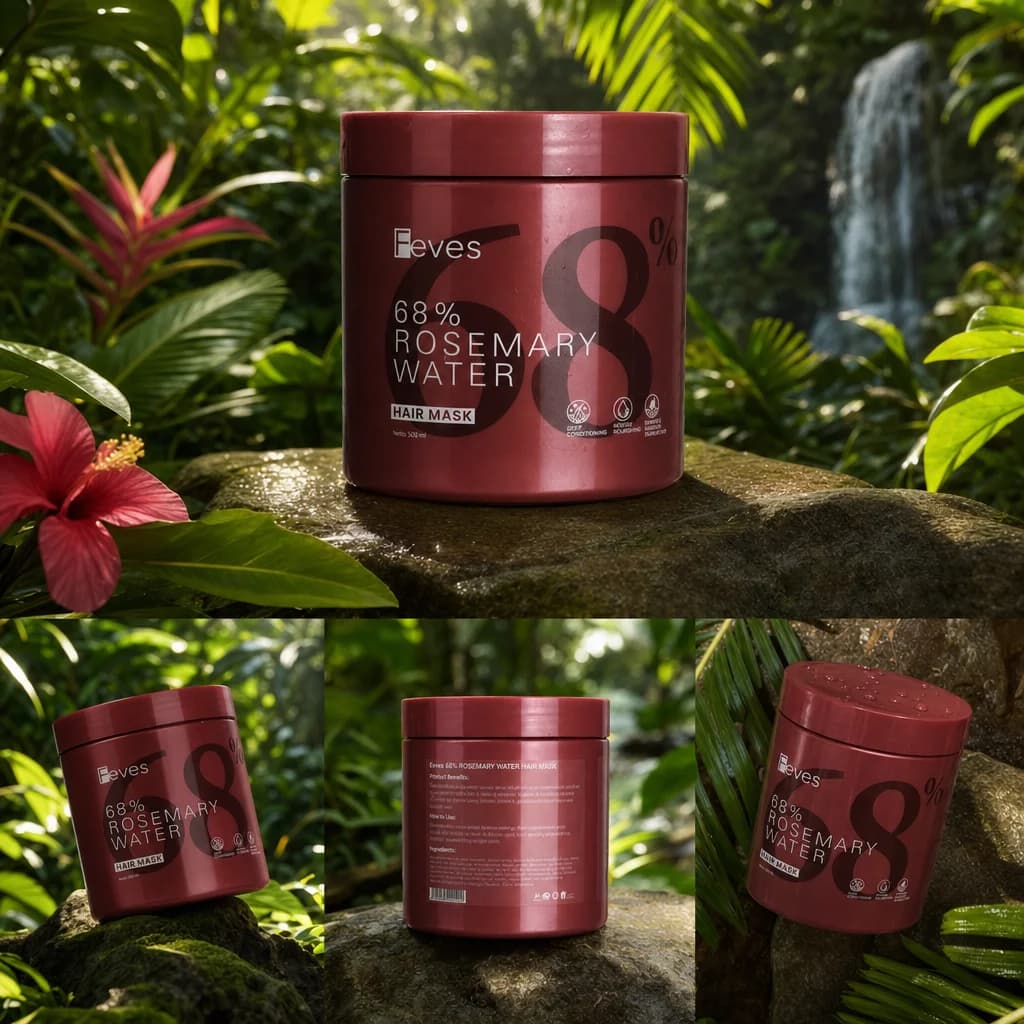

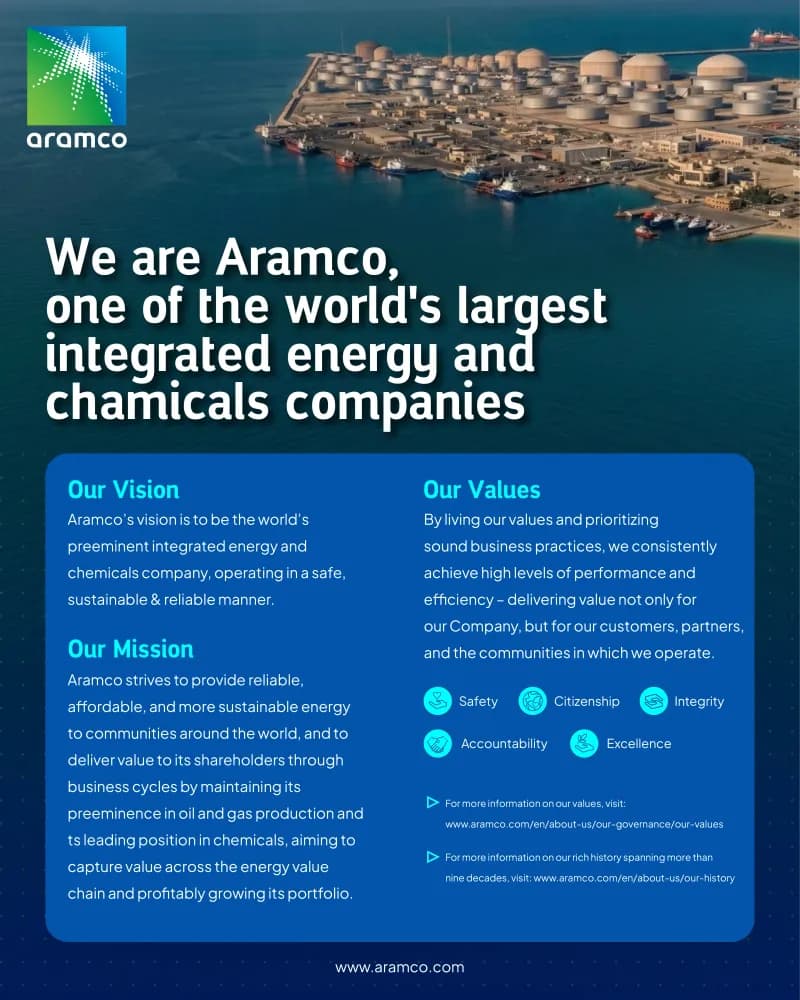


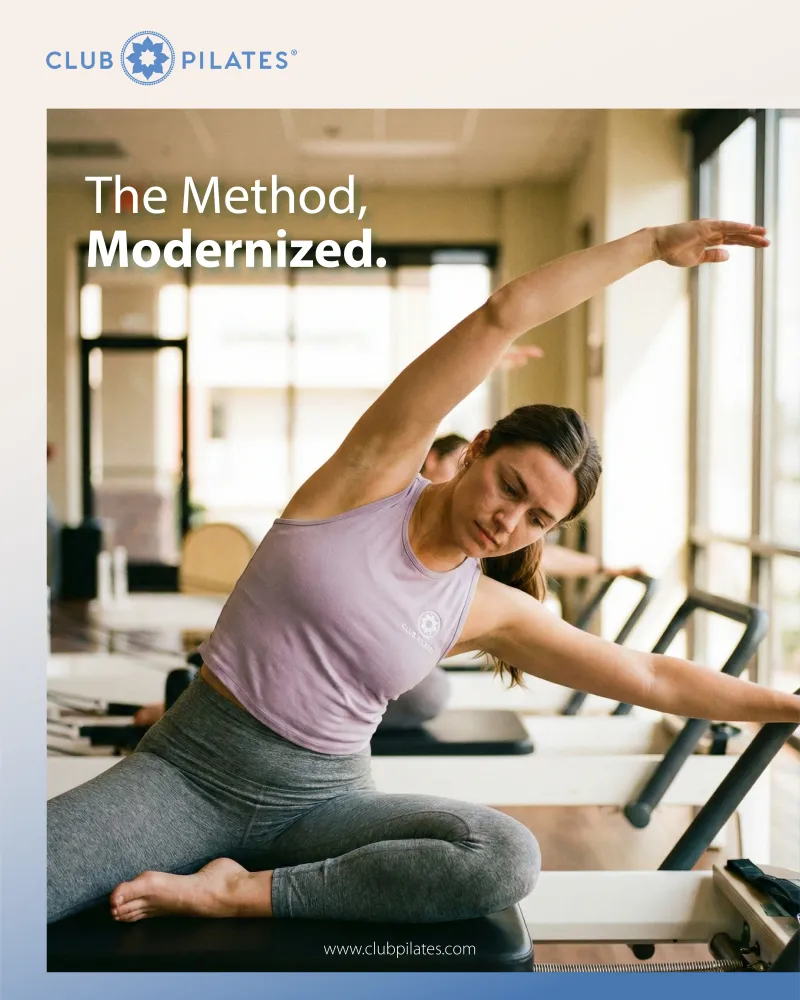
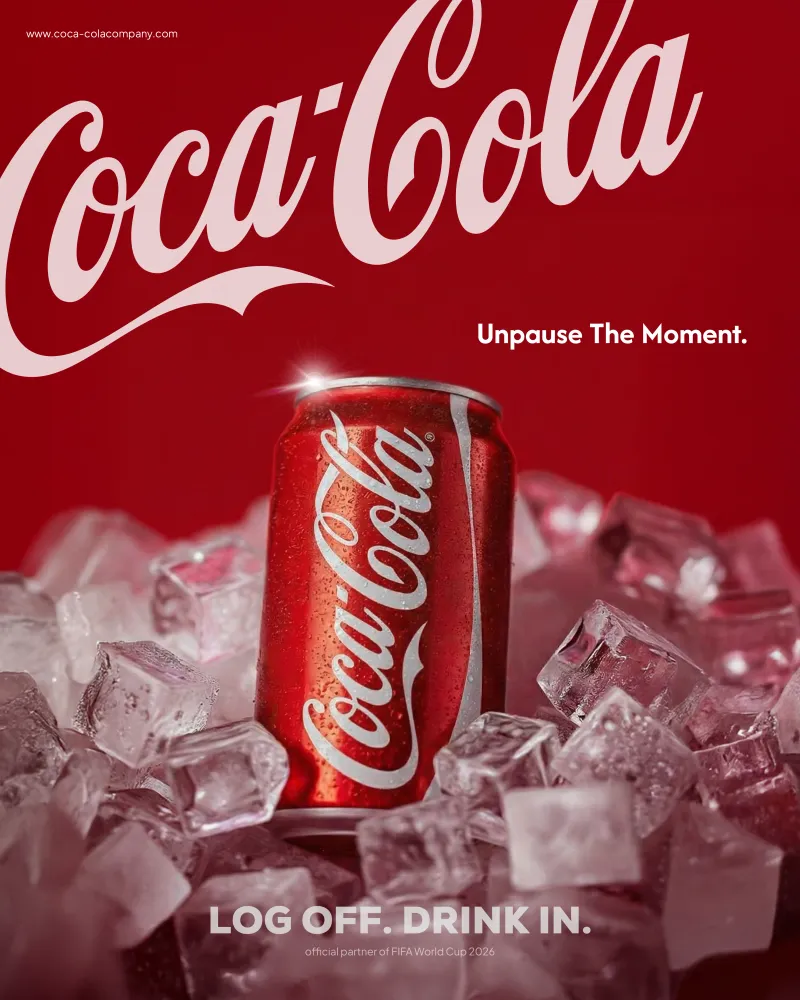
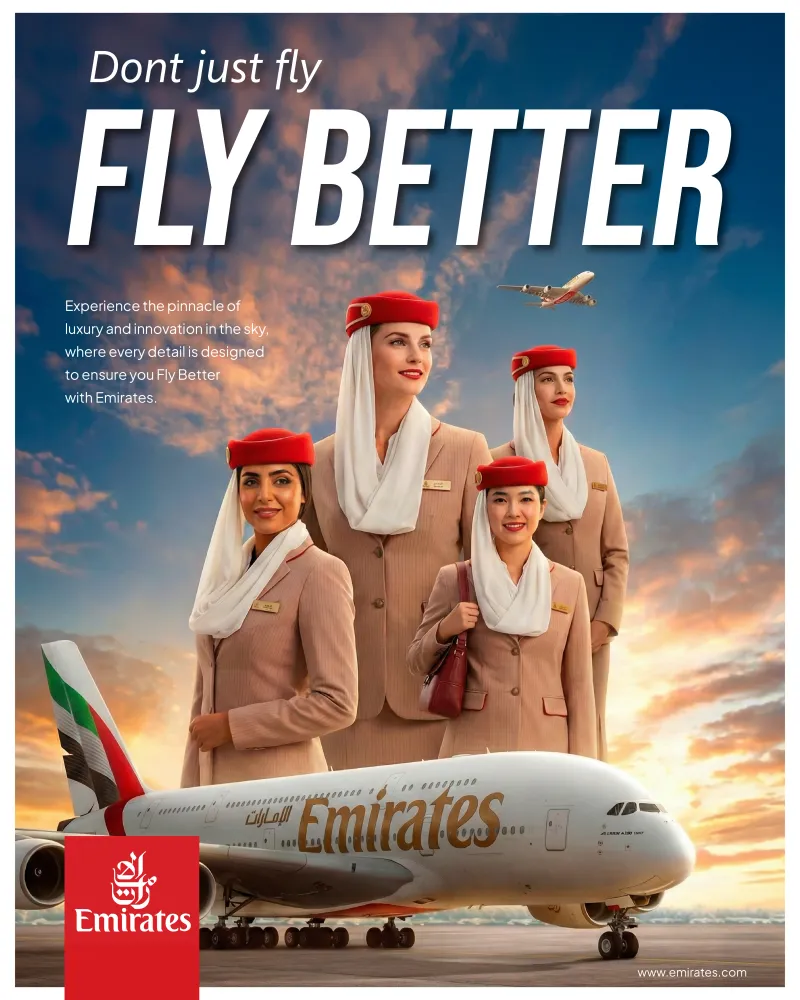



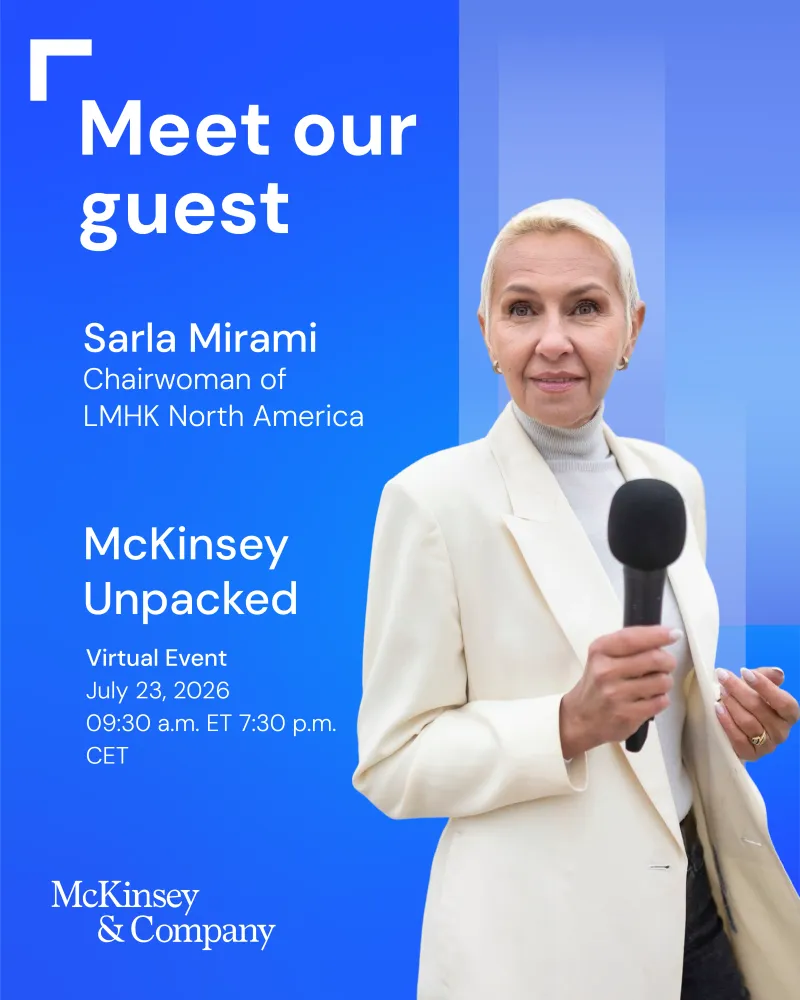


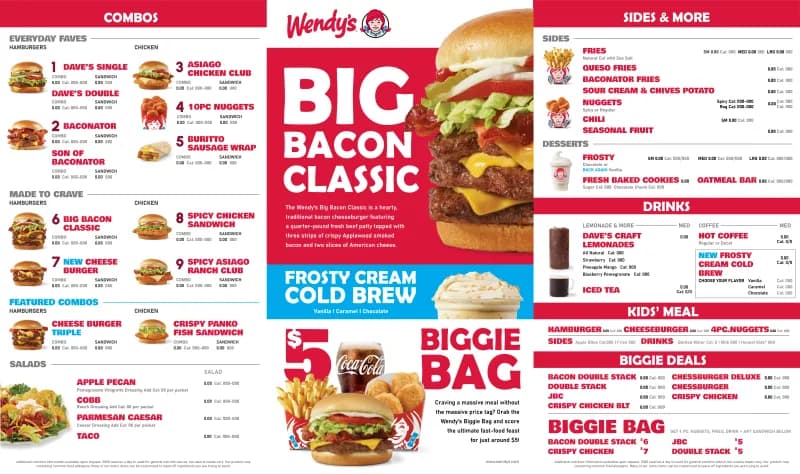

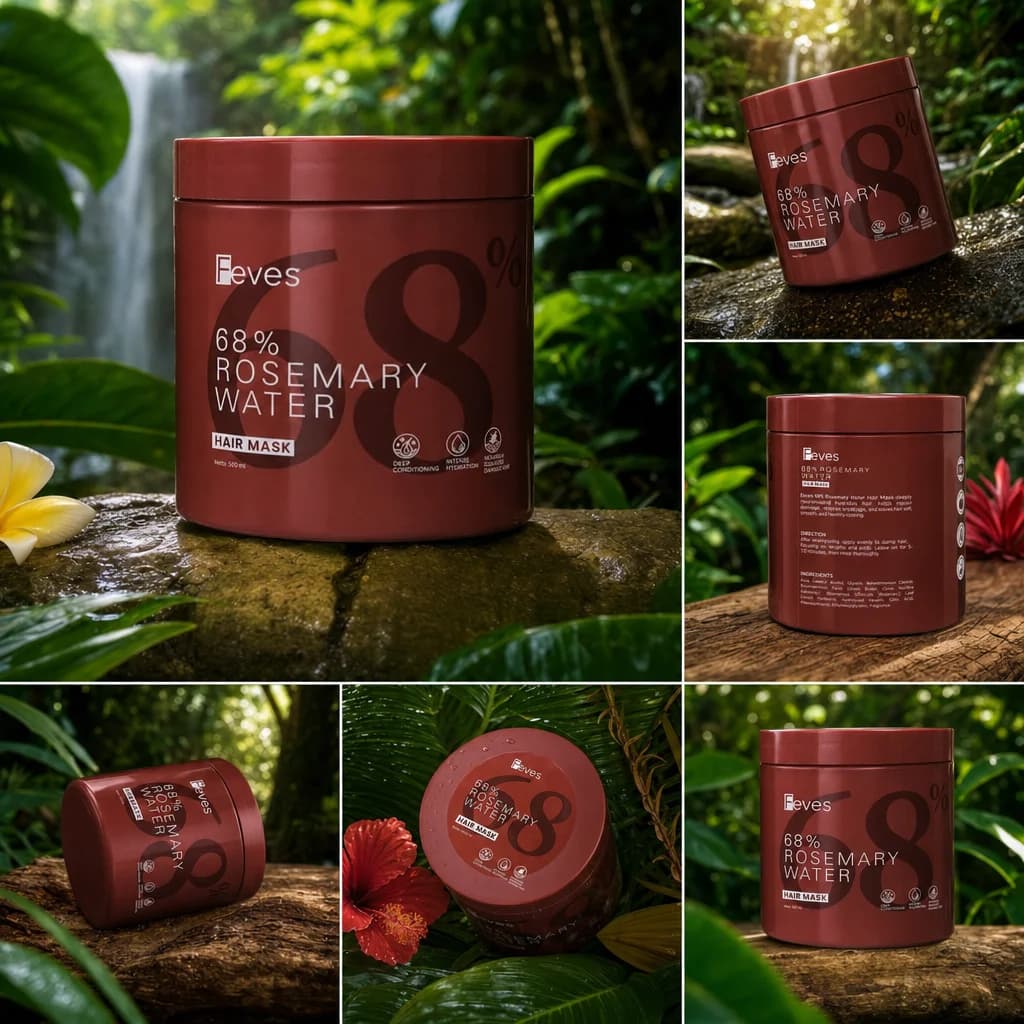
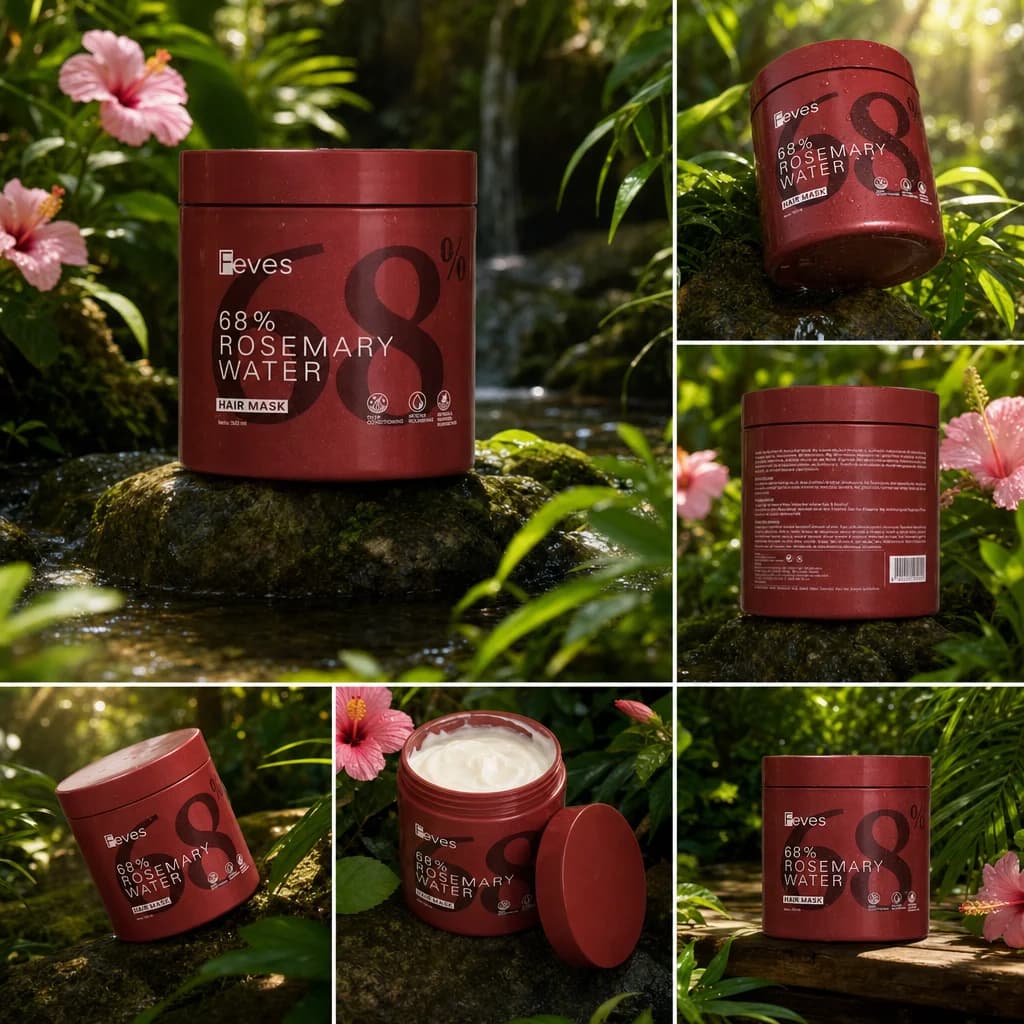
20 separate portfolio examples
Explore campaigns
04 / Design
Design with your brand rules.
Use your saved brand colours, fonts and rules when creating designs. Review the result before publishing.
.webp&w=3840&q=75)
.webp&w=3840&q=75)
.webp&w=3840&q=75)
Fashion carousel · 1 / 6
All 4 portfolio carousels · 23 slides
Explore design
05 / Video Studio
Describe it. Build the video.
From a simple sentence to scripts, scenes, camera angles and a finished ad.
Review the script and scenes. Then watch the full video. This preview has no audio.
01Script02Storyboard03Scenes04Camera & lighting
Explore video studio
06 / Social media
Schedule your social posts.
Review your content, connect supported accounts and schedule posts from one calendar.
CAMPAIGN CALENDAR Team approved
MONTUEWEDTHUFRISATSUN123456789101112131415161718192021
InstagramXThreadsLinkedIn
Illustrative workflow
Explore social media
07 / Learning from performance
See what worked. Plan what’s next.
Review available post metrics with your team. Use the results to plan what to try next.
Review results. Plan the next campaign.
01
Read the analytics
Check impressions, engagement and click rate from connected accounts.
02
Learn from the patterns
See which formats, topics and messages get people to respond.
03
Start the next brainstorm Shape the next recommendation
Use what worked to suggest the next post for your audience.
EXAMPLE RECOMMENDATION · GEN ZCreate an “A or B?” post. Show two product styles and ask: “Which one is you? Drop A or B below.”
Illustrative workflow
Explore learning from performance
Your team runs the workflow.
Use your brand rules to create content. Review the work, schedule posts and check the results.
02 / Portfolio
See what
Mosea can make.
Browse 50 studio and concept examples. Brand names identify the subject, not a customer endorsement.
1 / 6
1 / 6
1 / 6
1 / 5
06/50
More examples from the portfolio.
Studio and concept work. These examples are not customer endorsements.
03 | Infrastructure
Discuss where
Mosea could run.
Use a managed workspace.
We host the workspace and confirm the providers, data flows and access setup before you start.
- Managed workspace
- Brand context included
- Scope confirmed before start
Scope it with your IT team.
We review your environment, storage, model access, network needs and security requirements before we propose a deployment.
- IT review first
- Data flow documented
- Hardware and providers agreed
Proposed environment
Brand contextRules · Reference content
Mosea StudioCreate · Review · Post
Your infrastructure
Illustrative setup. Final architecture and data access are agreed with your IT team.
04 / Pricing
Try one campaign.
Then pick a plan.
Start with one campaign. We confirm the price, usage and support before you begin.
Plan scope, media usage and support are confirmed before you start. Read the FAQ.
Getting your team started
Set up your brand.
Help your team get started.
We agree on the timeline after reviewing your brief and IT needs.
Map your brand
We collect your brand profile, guidelines and approved examples.
Set up brand context
We configure supported workflows to use your brand materials.
Prepare your team
Your marketing team learns the agreed workflow with hands-on support.
Get ready to publish
Set up access, review steps and posting schedules for supported channels.
Need extra creative support? Our senior designers can help with product videos and bigger projects when your team is at capacity. Ask us about the scope.
05 / FAQ
What else
should you know?
Answers about pricing, setup and how your team can use Mosea.
Contact sales01What is Mosea?
Mosea is an AI marketing workspace for your team. Use your brand rules to brainstorm, plan campaigns, make images and videos, and schedule posts. Review the work and available results in the same workflow.
02Can we use our own infrastructure?
Your IT team reviews the setup with us. We discuss storage, model connections, security needs and data access. The final architecture, providers, hardware and support terms are confirmed in the proposal before work starts.
03What does the Platform plan include?
We quote a plan based on what your team needs. Brand setup, team access, content usage, model availability, support, approvals and post scheduling are confirmed before you start.
04How does the pilot work?
A pilot is scoped around one agreed campaign for your brand. We confirm the brief, deliverables, timing, fee and any credit toward a later plan before work starts.
05How long does setup take?
Setup timing depends on your brand materials, selected features and review process. Your infrastructure also needs an IT review. We confirm the steps and target dates before work starts.
06Can we keep using our current AI tools?
Yes. Mosea’s MCP connection lets supported AI tools use your brand and create content. You can also work in Mosea Studio. We confirm which connections fit your setup before you start.
Read the setup guides
Book a demo
See it work
for your brand.
Bring a brief. We’ll show you how Mosea can help your team create content.