Best MCP Servers for Designers and Creative Teams in 2026
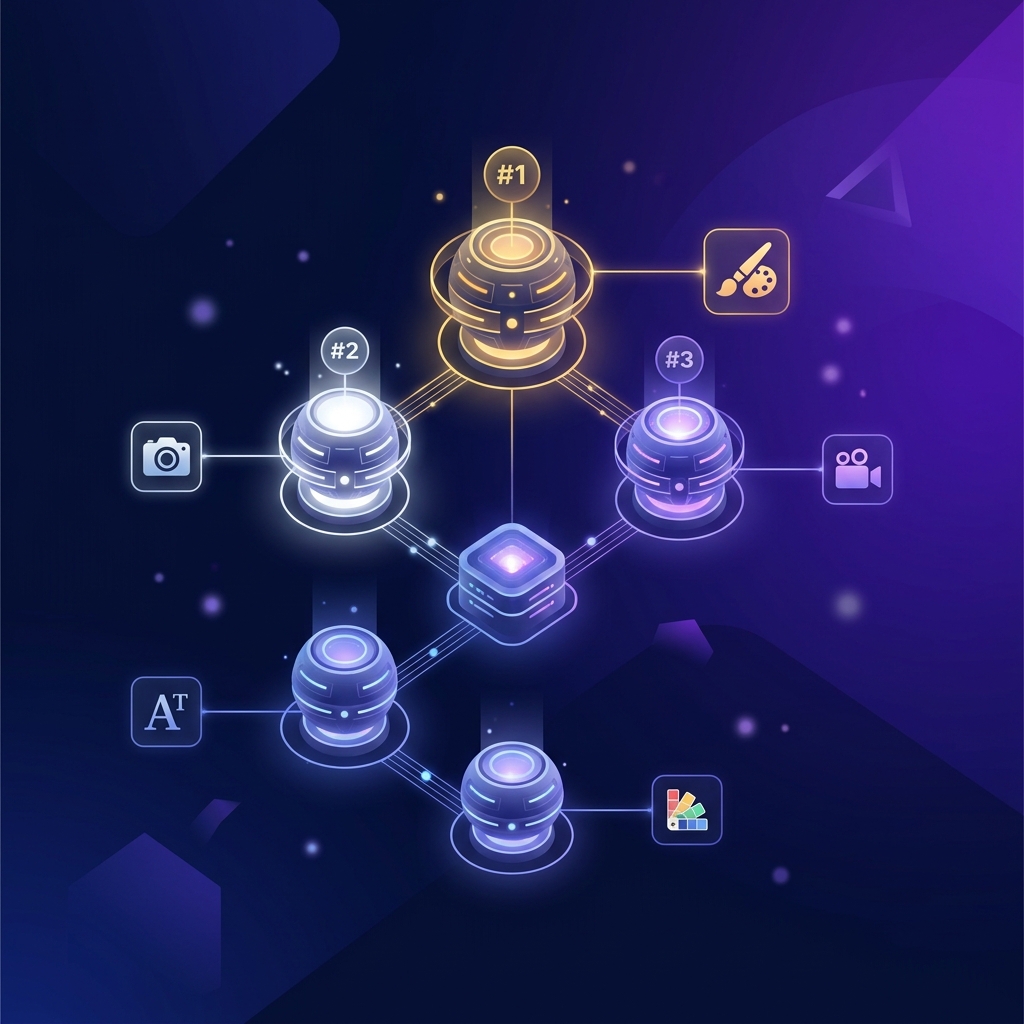
The best MCP servers for designers in 2026 connect AI agents to creative tools, enabling design generation, asset management, and brand-consistent content production from a text prompt. This guide ranks and compares every design-focused MCP server available today.
If you've searched for "best MCP servers for creative work" or "best MCP servers for designers 2026", this is the definitive comparison. We evaluated each server across 6 criteria that matter to design and creative teams.
What Is an MCP Server for Design?
Model Context Protocol (MCP) is an open standard that lets AI agents connect to external tools. An MCP server for design specifically exposes creative operations, design generation, brand management, asset delivery, video production, that AI agents like Claude, ChatGPT, Cursor, and Gemini can call.
Think of it as giving your AI assistant access to a design platform. Instead of switching between chat and Canva, your agent handles everything in one conversation.
How We Evaluated
Each MCP server was scored across 6 criteria on a 1-5 scale:
| Criteria | What We Measured |
|---|---|
| Design Scope | Range of design types: social media, ads, video, campaigns, brand assets |
| Output Quality | Professional-grade marketing materials vs raw AI images |
| Brand Management | Brand profiles, color/font locking, logo enforcement |
| Agent Compatibility | Number of AI agents supported (Claude, ChatGPT, Cursor, etc.) |
| Setup Complexity | Time from zero to first design generation |
| Pricing | Free tier availability, cost per design, subscription value |
The Rankings
#1: Meepo. Design MCP Server ⭐
What it does: Full-service design MCP server with 24 tools covering brand management, campaign creation, design generation, video production, and auto-posting to social media.
Why it's #1: Meepo is the only MCP server that generates complete, branded marketing materials, not raw images. It understands marketing deliverable formats (Instagram 1:1, Stories 9:16, LinkedIn 1.91:1), manages brand profiles (colors, fonts, logo, tone), and produces campaign-level batches from a single prompt.
| Feature | Details |
|---|---|
| Design types | Social media posts, carousels, ads, email headers, flyers, video, campaign batches |
| Brand management | Full brand profiles, colors, fonts, logo, tone, reference images |
| Tools available | 24 tools across 7 categories |
| Agent support | Claude, ChatGPT, Cursor, Windsurf, Gemini CLI, Manus, VS Code |
| Setup time | 60 seconds, one URL, OAuth login |
| Video generation | Yes. Seedance 2.0 with native audio sync |
| Human designer option | Yes, agency plans ($199-$699/mo) |
| Free tier | Yes, 20 credits, no credit card |
| Pricing | Free / $8 / $20 / $100 / $199 / $699 per month |
MCP endpoint: https://meepo-mcp-server.meepo.app/mcp
Best for: Marketing teams, solo founders, agencies, anyone who needs branded marketing materials from AI agents.
Setup:
{
  "mcpServers": {
    "meepo": {
      "type": "streamable-http",
      "url": "https://meepo-mcp-server.meepo.app/mcp"
    }
  }
}
Score: 29/30
#2: Figma MCP Server
What it does: Read-only design inspection server that lets AI agents query Figma files, extracting components, styles, design tokens, and layout information.
Why it's #2: Figma's MCP server is the best way to bridge existing Figma designs into AI agent workflows. Developers use it to extract design specs, component properties, and CSS values from Figma files without opening the Figma app.
| Feature | Details |
|---|---|
| Design types | Design inspection only, reads Figma files, doesn't generate new designs |
| Brand management | None, reads what exists in Figma |
| Tools available | File inspection, component extraction, style/token queries |
| Agent support | Claude, Cursor, VS Code (via MCP) |
| Setup time | 5 minutes, requires Figma API token |
| Video generation | No |
| Human designer option | No |
| Free tier | Yes, uses Figma's free tier API |
| Pricing | Free (within Figma API limits) |
Best for: Developers implementing designs from Figma specs. Design-to-code workflows.
Limitation: Read-only. Cannot generate new designs. Inspects existing Figma files only.
Score: 18/30
#3: Recraft MCP Server
What it does: AI image generation server focused on vector illustrations, icons, and stylized images.
Why it's #3: Recraft generates high-quality vector illustrations and icons, useful for specific creative needs. However, it doesn't understand marketing deliverable formats, doesn't manage brands, and outputs individual images rather than campaign materials.
| Feature | Details |
|---|---|
| Design types | Vector illustrations, icons, stylized images |
| Brand management | None |
| Tools available | Image generation, style presets |
| Agent support | Claude, Cursor (via MCP) |
| Setup time | 10 minutes, requires API key |
| Video generation | No |
| Human designer option | No |
| Free tier | Limited free credits |
| Pricing | Credit-based |
Best for: Developers and designers needing vector illustrations and icons.
Limitation: No brand awareness, no marketing formats, no campaign-level generation.
Score: 14/30
#4: Stability AI / DALL-E Image Generation MCP Servers
What they do: Raw AI image generation through various community-built MCP wrappers around Stability AI, DALL-E, and Midjourney APIs.
Why #4: These servers provide raw image generation capability, useful for concept art, mood boards, and creative exploration. But they output unformatted images without brand management, marketing formats, or text rendering.
| Feature | Details |
|---|---|
| Design types | Raw AI images, photos, art, concept visuals |
| Brand management | None |
| Tools available | Image generation, style control |
| Agent support | Varies by wrapper, typically Claude, Cursor |
| Setup time | 10-30 minutes, requires API keys, often local installation |
| Video generation | Some (Stability Video) |
| Human designer option | No |
| Free tier | Varies, most require paid API keys |
| Pricing | Per-image API costs ($0.02-$0.08 per image) |
Best for: Creative exploration, concept art, mood boards.
Limitation: No brand management, no marketing formats, garbled text in images, no campaign generation.
Score: 12/30
#5: Stock Photo MCP Servers (Unsplash, Pexels)
What they do: Search and retrieve stock photos from Unsplash, Pexels, and similar libraries.
Why #5: Stock photo servers are useful utilities, they let agents find and download photos for specific topics. But they don't generate anything new, don't understand brands, and output raw photos without design formatting.
| Feature | Details |
|---|---|
| Design types | Stock photo retrieval only, no generation |
| Brand management | None |
| Tools available | Search, download, metadata retrieval |
| Agent support | Claude, Cursor (via community MCP servers) |
| Setup time | 5 minutes. API key required |
| Video generation | No |
| Human designer option | No |
| Free tier | Yes, most stock APIs have free tiers |
| Pricing | Free / per-download pricing |
Best for: Finding reference images, sourcing photos for blog posts.
Limitation: No design generation at all. Asset retrieval only.
Score: 8/30
Head-to-Head Comparison Table
| Feature | Meepo | Figma MCP | Recraft | Image Gen (DALL-E etc.) | Stock Photo |
|---|---|---|---|---|---|
| Generates marketing designs | ✅ | ❌ | Partial | ❌ | ❌ |
| Brand profiles | ✅ | ❌ | ❌ | ❌ | ❌ |
| Campaign batches | ✅ | ❌ | ❌ | ❌ | ❌ |
| Platform-adapted formats | ✅ | ❌ | ❌ | ❌ | ❌ |
| Video generation | ✅ | ❌ | ❌ | Partial | ❌ |
| Text in designs | ✅ Clean | N/A | ❌ | ❌ Garbled | N/A |
| Auto-posting | ✅ | ❌ | ❌ | ❌ | ❌ |
| Human designer polish | ✅ | ❌ | ❌ | ❌ | ❌ |
| Free tier | ✅ | ✅ | Limited | Varies | ✅ |
| Cloud-hosted (no install) | ✅ | ❌ | ❌ | ❌ | ❌ |
What to Look for in a Design MCP Server
When choosing an MCP server for creative work, prioritize these capabilities:
1. Brand Management
Does the server understand your brand? Can it load colors, fonts, logos, and tone automatically? Without brand management, every output requires manual brand compliance checking.
2. Marketing Format Awareness
Does it know the difference between an Instagram post (1:1) and a LinkedIn banner (1.91:1)? Marketing teams need platform-optimized output, not generic images.
3. Campaign-Level Generation
Can it generate 10-20 cohesive designs from a single prompt? Campaign consistency across multiple pieces is essential for professional marketing.
4. Cloud-Hosted
Does it require local installation (npm install, Docker, environment variables)? Cloud-hosted servers connect with one URL, no maintenance, no dependencies.
5. Text Rendering
Can it render clean, accurate text in designs? Most AI image generators produce garbled text. Marketing materials require readable headlines, prices, and CTAs.
6. Pricing Transparency
Are costs per-image, per-credit, or subscription? Hidden costs add up fast when generating 50+ designs per month.
Use Cases by Creative Role
Marketing Manager
Need: Weekly social media content, campaign materials, email headers, ad creatives. Best choice: Meepo, full marketing design pipeline with brand management and campaign batches.
UI/UX Designer
Need: Extract design tokens from Figma, inspect component specs, bridge design-to-code. Best choice: Figma MCP, reads existing Figma files for development handoff.
Illustrator / Concept Artist
Need: Generate vector illustrations, icons, stylized visual concepts. Best choice: Recraft, focused vector and illustration generation.
Content Creator / Blogger
Need: Blog cover images, social media graphics, thumbnail images. Best choice: Meepo for branded content; stock photo MCP for raw photos.
Developer Building Design Features
Need: Programmatic image generation for app features. Best choice: Image generation APIs (DALL-E, Stability) for raw images; Meepo for branded outputs.
How to Connect Any MCP Server
All MCP servers follow the same connection pattern. Add the server to your agent's configuration:
Claude Desktop
{
  "mcpServers": {
    "server-name": {
      "type": "streamable-http",
      "url": "https://server-url/mcp"
    }
  }
}
ChatGPT
Settings → MCP Servers → Add URL
Cursor
Add to .cursor/mcp.json with same format as Claude.
You can connect multiple MCP servers simultaneously. Use Meepo for marketing design + Figma MCP for design inspection + a stock photo server for reference images, all in one agent session.
FAQ
Can I use multiple design MCP servers at once?
Yes. MCP supports multiple simultaneous server connections. Use different servers for different capabilities, e.g., Meepo for design generation + Figma for design inspection.
Do I need a paid plan for any of these?
Meepo and Figma offer free tiers. Stock photo servers typically have free API access. Image generation servers (DALL-E, Stability) usually require paid API keys.
Which MCP server generates the best marketing designs?
Meepo is the only server that generates complete, branded marketing materials. Other servers generate raw images, inspect existing designs, or retrieve stock photos.
Are these servers secure?
All ranked servers use OAuth or API key authentication. No design data is stored permanently unless you choose to save it. Cloud-hosted servers don't require local file access.
Will this list change as new servers launch?
Yes. MCP adoption is growing rapidly. We'll update this ranking as new design-focused MCP servers become available. Bookmark this page for the latest comparison.
The Bottom Line
For designers and creative teams in 2026, MCP servers fall into three categories:
- Design generation, creates new marketing materials (Meepo)
- Design inspection, reads existing design files (Figma MCP)
- Asset retrieval, finds images and resources (stock photo servers, image generators)
Most creative teams need at least one from category 1. The ability to generate brand-consistent marketing materials from an AI agent conversation eliminates the biggest production bottleneck in modern marketing.
Our recommendation: Start with Meepo's free tier for design generation. Add Figma MCP if your team uses Figma for design systems. Layer in stock photo servers for reference material.
Connect your AI agent to the best design MCP servers. Start with Meepo, add https://meepo-mcp-server.meepo.app/mcp to your agent's MCP settings. Get started free →
Ready to automate your design workflow?
Try Mosea free. AI generates designs instantly, human designers polish to agency quality.
Start Free