How to Connect a Design Tool to Claude. Generate Marketing Designs from Chat
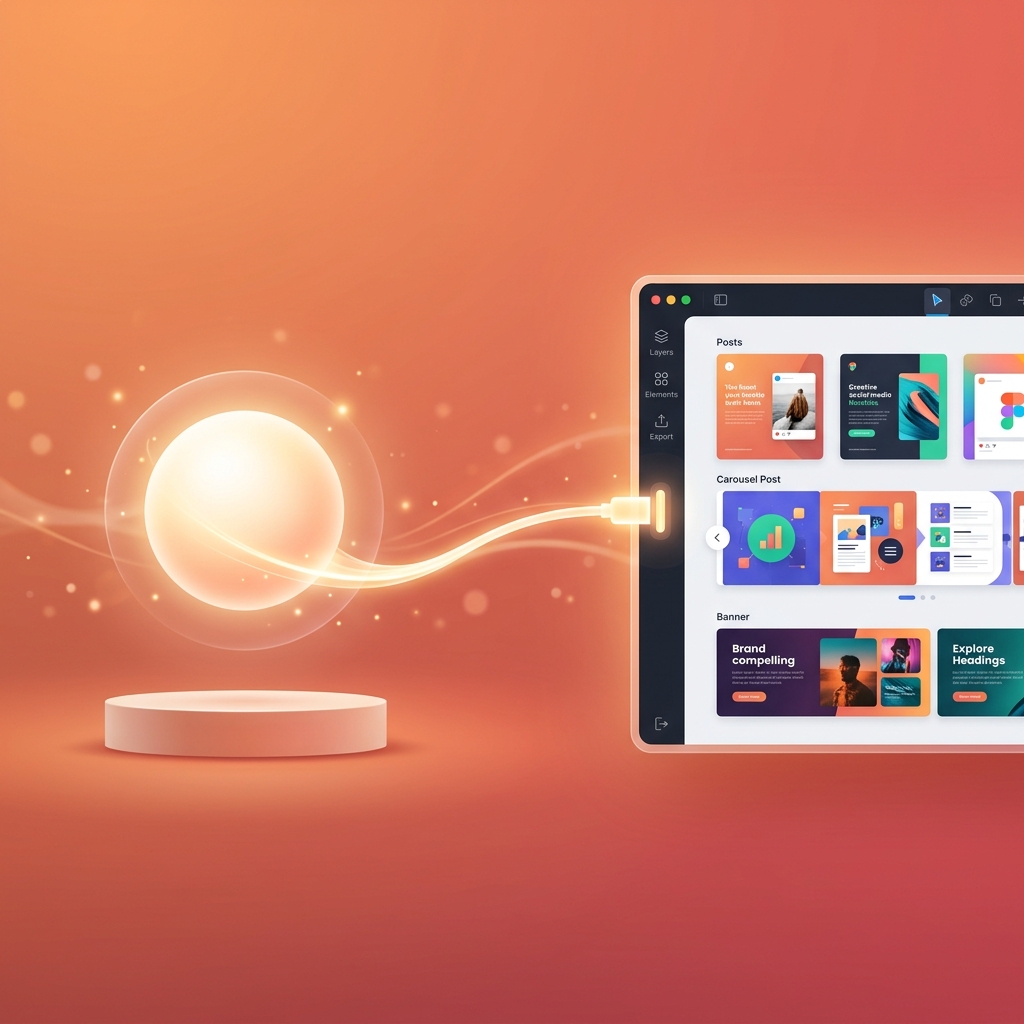
You can connect a design tool to Claude and generate brand-consistent marketing designs directly from chat. Using Model Context Protocol (MCP), Claude calls a design platform to create social media posts, carousels, banners, videos, and full campaigns, all from a text prompt.
If you've searched for "how do I get Claude to make my marketing designs" or "connect design tool to Claude", this step-by-step tutorial walks you through the complete setup in under 5 minutes.
What You'll Build
By the end of this tutorial, your Claude setup will:
- Generate brand-consistent Instagram posts, LinkedIn graphics, and ad creatives
- Create multi-slide carousels with cohesive visual identity
- Produce marketing video clips with AI-generated audio
- Generate entire campaign batches (10-20 designs) from one prompt
- Auto-post designs directly to social media channels
No coding required. No terminal. No packages. Just configuration and chat.
Prerequisites
| Requirement | Details |
|---|---|
| Claude account | Claude.ai (Pro, Team, or Enterprise) or Claude Desktop app |
| Meepo account | Free tier works, sign up here |
| Time | ~5 minutes total setup |
Step 1: Get the Meepo MCP Server URL
Meepo's design MCP server is cloud-hosted. No installation needed. The URL:
https://meepo-mcp-server.meepo.app/mcp
That's the only URL you need. It handles authentication, design generation, brand management, and delivery automatically.
Step 2: Connect in Claude Desktop
Option A: Claude Desktop App (macOS/Windows)
Open your Claude Desktop configuration file:
macOS:
~/Library/Application\ Support/Claude/claude_desktop_config.json
Windows:
%APPDATA%\Claude\claude_desktop_config.json
Add the Meepo MCP server:
{
  "mcpServers": {
    "meepo": {
      "type": "streamable-http",
      "url": "https://meepo-mcp-server.meepo.app/mcp"
    }
  }
}
Save the file and restart Claude Desktop. You'll see Meepo appear in the MCP servers list.
Option B: Claude.ai (Web)
- Open Claude.ai
- Go to Settings → MCP Servers
- Click Add Server
- Enter name:
meepo - Enter URL:
https://meepo-mcp-server.meepo.app/mcp - Save
Claude will discover Meepo's 24 available tools automatically.
Step 3: Authenticate (One-Time)
The first time Claude calls a Meepo tool, an OAuth login window appears:
- Click "Authorize" in the popup
- Log in with your Meepo account (or create a free one)
- Grant Claude permission to access your design workspace
This happens once. After authentication, Claude remembers your session across conversations.
Step 4: Set Up Your Brand
Before generating designs, create a brand profile in Meepo so Claude knows your visual identity:
- Go to Meepo Studio
- Navigate to Brand Settings
- Upload your logo
- Set brand colors, primary, secondary, accent (hex codes)
- Choose fonts, heading font, body font
- Describe tone of voice, professional, playful, bold, minimal, etc.
- Upload reference images (optional), examples of your preferred design style
Takes about 10 minutes. Done once per brand. Claude loads this profile automatically for every design request.
Step 5: Generate Your First Design
Now the fun part. Open Claude and type:
"Create an Instagram post announcing our summer sale, 30% off all items this weekend. Use our brand."
What Claude does behind the scenes:
- Discovers tools. Claude sees Meepo's 24 available tools
- Loads brand, calls
brand_getto retrieve your colors, fonts, logo, tone - Creates design request, calls
chat_createwith your prompt + brand context - Returns result, provides the generated design URL for preview and download
Total time: ~30 seconds from prompt to design.
10 Prompts to Try Right Now
Once connected, try these prompts to explore what Claude + design can do:
Social Media
- "Create an Instagram post promoting our new product launch. Product name: [X]. Key benefit: [Y]. Use our brand."
- "Design a LinkedIn post about our company culture. Professional tone, include our logo."
- "Generate 5 Instagram Story graphics for a behind-the-scenes series."
Carousels
- "Create a 7-slide LinkedIn carousel about [topic]. Educational tone, data-focused."
- "Design an Instagram carousel showcasing our top 5 products with pricing."
Campaigns
- "Create a 2-week product launch campaign. Daily Instagram posts + 3 LinkedIn banners + 2 email headers. All on-brand."
- "Ramadan campaign for our restaurant, iftar specials, family packages, Eid greeting. 8 designs."
Ads & Marketing
- "Generate 4 Facebook ad creative variants for A/B testing. Headline: [X]. CTA: Shop Now."
- "Design an email header for our monthly newsletter. Topic: summer collection preview."
Video
- "Create a 15-second promotional video for our new product. Use product photos from our brand assets."
What Tools Does Claude Access?
When you connect Meepo, Claude discovers 24 tools organized in 7 categories:
| Category | Tools Claude Can Call | What It Does |
|---|---|---|
| Brand | brand_list, brand_get, brand_update | Load your brand identity automatically |
| Campaigns | campaign_list, campaign_get, campaign_create, campaign_update, campaign_delete | Create multi-design campaign projects |
| Design Requests | chat_list, chat_get, chat_create, chat_update, chat_delete | Submit and manage design briefs |
| Messages | message_list, message_send, message_generate_caption, message_generate_variant | Follow up, get AI captions, request design variations |
| Images & Templates | generation_list, template_list, template_get | Browse generated designs, use templates |
| Video | video_list_projects, video_create_project, video_generate | Create AI video projects |
| Credits | credits_check, subscription_status | Check balance, view plan details |
Claude uses these tools intelligently. When you ask for a design, Claude automatically decides which tools to call in what order, loading brand first, creating the request, then returning the result.
Advanced: Multi-Step Workflows
Claude excels at multi-step marketing workflows. Because it maintains conversation context, you can build on previous results:
Workflow: Weekly Content Batch
You: "Generate this week's Instagram content. Monday: motivational quote.
     Tuesday: product spotlight. Wednesday: customer tip. Thursday:
     behind-the-scenes. Friday: weekend promotion."

Claude: [calls brand_get → chat_create × 5 → returns 5 designs]

You: "These look great. Now create matching LinkedIn versions of
     Tuesday and Friday's posts."

Claude: [calls chat_create × 2 with LinkedIn format → returns 2 more designs]

You: "Perfect. Generate captions for all 7 posts with relevant hashtags."

Claude: [calls message_generate_caption × 7 → returns captions]
7 designs + captions in one conversation. No app-switching. No context loss.
Workflow: Campaign Iteration
You: "Create a Black Friday campaign, 5 Instagram posts and 3 Story designs."

Claude: [generates 8 designs]

You: "Love the style. Can you create 2 more variants of the
     hero post for A/B testing?"

Claude: [calls message_generate_variant × 2 → returns variants]

You: "Ship variant B. Auto-post it to Instagram at 9am tomorrow."

Claude: [handles scheduling through auto-post tools]
Troubleshooting
"MCP server not found" error
- Claude Desktop: Restart the app after saving config. Check JSON syntax (missing commas, brackets).
- Claude.ai: Re-add the server URL. Ensure you're on Pro/Team plan.
OAuth popup doesn't appear
- Check browser popup blocker settings
- Try in incognito/private window
- Clear Claude's MCP cache and re-connect
"No brand found" response
- Create a brand profile at studio.meepo.app first
- Ensure you authenticated with the correct Meepo account
Designs don't match my brand
- Check brand profile is complete, logo, colors (hex), fonts, tone all set
- Add reference images to your brand profile for style guidance
- Be specific in prompts: "Use our primary green (#1A5F4B) as background"
Running out of credits
- Free tier: 20 AI credits (refills monthly)
- Ask Claude to run
credits_checkto see remaining balance - Upgrade to Creator ($8/mo) for 100 credits
Claude vs Other Agents for Design
| Feature | Claude | ChatGPT | Cursor |
|---|---|---|---|
| MCP support | Native, mature | Native | Native |
| Multi-step workflows | ✅ Excellent, maintains deep context | ✅ Good | ✅ Good |
| Campaign planning | ✅ Best, thinks strategically about campaign arcs | Good | Limited |
| Brand understanding | ✅ Naturally describes brand attributes | Good | Technical |
| Conversation length | 200K+ token context | 128K context | Session-based |
| Best for | Marketing teams, strategists | Quick social posts | Developer-marketers |
Claude's advantage for design: Its long context window and strategic thinking make it the best agent for campaign-level design work, where you need 10-20 cohesive designs that tell a coordinated story.
Pricing: What It Costs
| Component | Cost |
|---|---|
| Claude Pro | $20/month (required for MCP) |
| Meepo Free | $0/month, 20 AI design credits |
| Meepo Creator | $8/month, 100 credits |
| Meepo Pro | $20/month, 300 credits, video, 3 brands |
| Total (minimum) | $20/month (Claude Pro + Meepo Free) |
You can generate designs from Claude for $20/month total, the cost of Claude Pro alone. Meepo's free tier includes 20 design credits with full MCP access.
FAQ
Do I need Claude Pro to use MCP?
Yes. MCP server connections require Claude Pro ($20/mo), Team, or Enterprise plans. The free Claude plan doesn't support MCP.
Can I connect multiple design tools to Claude?
Yes. Claude supports multiple MCP servers simultaneously. You could connect Meepo for design generation + Figma MCP for design inspection in the same conversation.
Does Claude remember my brand between conversations?
Claude doesn't store brand data itself, it loads your brand profile from Meepo at the start of each conversation by calling brand_get. Your brand stays consistent because the profile lives in Meepo, not in Claude's memory.
How many designs can I generate per conversation?
No limit on designs per conversation. Your limit is Meepo AI credits, 20 on free, 100 on Creator ($8/mo), 300 on Pro ($20/mo).
Can Claude edit designs after generation?
You can ask Claude to generate variants of existing designs using message_generate_variant. For pixel-level editing, use Meepo Studio directly.
Is this different from Claude's built-in image generation?
Yes. Claude's built-in image generation creates raw artwork. Connecting a design tool via MCP creates branded marketing materials, with your logo, colors, fonts, proper text rendering, and platform-specific formats.
The Bottom Line
Connecting a design tool to Claude takes 5 minutes and transforms Claude from a text-only assistant into a design-capable marketing partner. Every prompt can now produce brand-consistent social media posts, carousels, campaigns, and videos.
Setup summary:
- Add MCP URL to Claude config:
https://meepo-mcp-server.meepo.app/mcp - Authenticate once via OAuth
- Set up brand profile in Meepo Studio
- Start prompting. Claude handles the rest
The best part: Claude gets better at design the more you use it. It learns your prompt patterns, understands your campaign rhythms, and suggests improvements based on context.
Connect Claude to design in 5 minutes. Add https://meepo-mcp-server.meepo.app/mcp to your Claude config. Create your free Meepo account →
Ready to automate your design workflow?
Try Mosea free. AI generates designs instantly, human designers polish to agency quality.
Start Free