MCP for Design Automation. How AI Agents Generate Designs Without Human Input
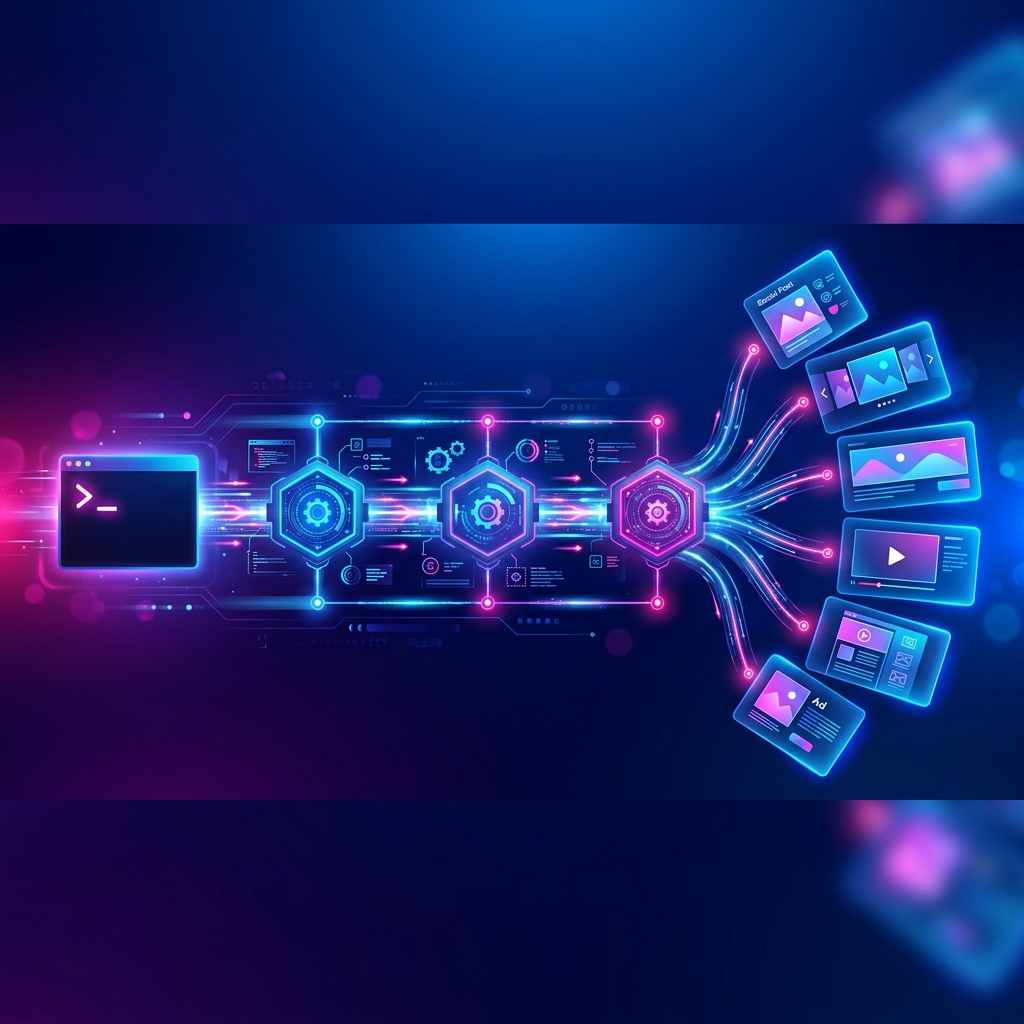
MCP-powered design automation removes humans from the design production loop. Your AI agent connects to a design MCP server and generates social media posts, ad creatives, campaign batches, and marketing videos, triggered by schedules, events, or simple text commands. No designer opens a tool. No creative brief gets written. The agent handles everything.
If you've searched for "automate design generation with an AI agent" or "MCP for design automation", this guide explains the architecture, the automation patterns, and how to build design pipelines that run without you.
What Is Design Automation via MCP?
Traditional design workflow:
- Marketing team writes a brief
- Brief gets assigned to a designer
- Designer opens Canva/Figma/Photoshop
- Designer creates the asset
- Asset gets reviewed and revised
- Final asset gets exported and uploaded
Steps: 6. People involved: 2-3. Time: 2-48 hours.
MCP-automated design workflow:
- AI agent receives trigger (schedule, event, or command)
- Agent calls design MCP server
- Server generates brand-consistent design
- Agent delivers the result (download, auto-post, or notify)
Steps: 4. People involved: 0-1 (optional reviewer). Time: 30-90 seconds.
The difference isn't incremental. It's structural. Design production moves from a human-dependent bottleneck to an automated pipeline.
The Automation Stack
Design automation via MCP requires three components:
┌─────────────────┐
│  Trigger Layer   │  ← What starts the automation
│  (Schedule,      │     (Cron, webhook, Slack command,
│   Event, Command)│      email trigger, manual prompt)
└────────┬────────┘
         │
         ▼
┌─────────────────┐
│  Agent Layer     │  ← What orchestrates the workflow
│  (Claude, ChatGPT│     (Loads brand, constructs prompt,
│   Manus, Custom) │      calls tools, handles delivery)
└────────┬────────┘
         │
         ▼
┌─────────────────┐
│  Design Layer    │  ← What generates the output
│  (Design MCP     │     (Brand management, AI generation,
│   Server - Meepo)│      format adaptation, delivery)
└─────────────────┘
Each layer is independent. You can swap triggers, agents, or design servers without rebuilding the others.
6 Automation Patterns
Pattern 1: Scheduled Content Pipeline
Trigger: Cron schedule (every Monday 9am) Agent: Claude or Manus (autonomous) Output: 5-7 social media posts for the week
How it works: The agent runs on a weekly schedule. Every Monday, it:
- Loads your brand profile and content calendar
- Generates that week's social media designs
- Auto-posts them to Instagram, LinkedIn, and Facebook at scheduled times
- Sends you a summary notification
You do: Review the summary on Monday morning. Override any post if needed. Otherwise, the week's content runs itself.
ROI calculation:
| Metric | Manual | Automated |
|---|---|---|
| Time per week | 4-6 hours | 5 minutes (review only) |
| Cost per week | $200-$400 (freelancer) | $2-$5 (AI credits) |
| Consistency | Variable | 100% on-brand |
| Monthly savings | , | $780-$1,580 + 16-24 hours |
Pattern 2: Event-Triggered Design
Trigger: Business event (new product added, sale starts, milestone reached) Agent: Any MCP-compatible agent Output: Announcement designs across all platforms
Example: E-commerce product launch
When a new product is added to your catalog:
- Webhook fires → agent receives product details (name, price, images, description)
- Agent calls
brand_get→ loads store brand - Agent calls
chat_create→ generates Instagram announcement post - Agent calls
chat_create→ generates LinkedIn announcement - Agent calls
chat_create→ generates email header for newsletter - All three designs auto-post to respective platforms
Zero manual steps from product creation to marketing launch.
Pattern 3: Batch Campaign Generation
Trigger: Single command (manual or scheduled) Agent: Claude (best for campaign-level thinking) Output: 10-25 cohesive campaign designs
Example prompt:
"Generate a complete Q3 product campaign. Include: 3 teaser posts, launch announcement, 5 feature highlights, 3 customer testimonials, 2 promotional offers, end-of-campaign thank you. Instagram 1:1 format. All visually cohesive."
One prompt → 15 campaign-ready designs in under 10 minutes.
Traditional agency timeline: 2-4 weeks. Cost: $3,000-$8,000.
Pattern 4: Content Recycling
Trigger: Existing content event (new blog post published, podcast episode released) Agent: Any MCP-compatible agent Output: Social media graphics derived from existing content
How it works: When a new blog post is published:
- Agent reads the blog post title, excerpt, and key points
- Generates 3-5 social media graphics (quote cards, key stat visualizations, promotional graphics)
- Generates captions with relevant hashtags
- Schedules posts across platforms for the next 5 days
Every piece of content automatically spawns 3-5 social media designs. No manual repurposing.
Pattern 5: Multi-Brand Automation
Trigger: Shared schedule or per-brand triggers Agent: Claude or Manus Output: Brand-specific designs for multiple clients/brands
Agency workflow:
- Agent iterates through brand list: Brand A → Brand B → Brand C
- For each brand: loads brand profile → generates weekly content → auto-posts
- Each brand gets visually distinct, on-brand designs
- All run from one automation pipeline
Scale: One pipeline serves unlimited brands. Add a new client = add a brand profile. The automation handles the rest.
Pattern 6: A/B Test Variant Generation
Trigger: Ad campaign creation Agent: Any MCP-compatible agent Output: 3-5 design variants per ad concept
How it works:
- Agent receives ad brief (headline, CTA, offer)
- Generates 4 visual variants, different layouts, color emphasis, imagery
- Uploads all variants to ad platform
- After performance data comes in, agent generates more variants of the winner
Continuous optimization loop. The agent generates, tests, and iterates on ad creatives, the marketer focuses on strategy, not production.
What Can Be Automated (and What Can't)
Fully Automatable ✅
| Design Task | Automation Level | Why |
|---|---|---|
| Social media posts | 100% | Templatable, brand-consistent, format-standard |
| Content repurposing | 100% | Derives visuals from existing content automatically |
| Platform adaptation | 100% | Same concept → different dimensions, fully mechanical |
| Email headers | 100% | Format-standard, topic-derived |
| Campaign batches | 95% | AI generates cohesive sets; optional human review |
| Ad creative variants | 95% | AI generates variants; performance data guides iteration |
| Video clips | 90% | AI generation + audio sync; review recommended |
Requires Human Input ⚠️
| Design Task | Automation Level | Why |
|---|---|---|
| Brand identity creation | 10% | Strategic decisions about visual identity need human direction |
| Complex illustrations | 20% | Custom artwork needs creative direction |
| Photo shoots | 0% | Physical photography can't be automated via MCP |
| Pixel-perfect layouts | 30% | Precise design adjustments need human eye |
| Crisis communications | 50% | Sensitive messaging requires human judgment |
Rule of thumb: If a design task is repeatable and format-standard, it's automatable. If it requires creative judgment or strategic decisions, keep humans in the loop.
Building Your First Automation
Option 1: No-Code (Agent Chat)
Simplest approach, just talk to your agent:
- Connect Meepo MCP to Claude or ChatGPT
- Every Monday, open a conversation and type: "Generate this week's social media content for [brand]. 5 Instagram posts covering [topics]."
- Agent generates all designs
- Review and approve
Automation level: Semi-automatic. You initiate, agent executes.
Option 2: Autonomous Agent (Manus)
For fully autonomous operation:
- Set up Manus with Meepo MCP connection
- Define a recurring task: "Every Monday at 8am, generate weekly Instagram content for [brand]. Topics: rotate between product, tips, testimonials, and promotions. Auto-post at 10am daily."
- Manus runs independently, generates and posts content without your input
- Review the week's content when convenient
Automation level: Fully automatic. Agent runs without human trigger.
Option 3: API Integration (Custom)
For developers building design into their own systems:
// Example: Generate design via MCP programmatically
const response = await fetch('https://meepo-mcp-server.meepo.app/mcp', {
  method: 'POST',
  headers: {
    'Content-Type': 'application/json',
    'Authorization': 'Bearer YOUR_TOKEN'
  },
  body: JSON.stringify({
    jsonrpc: '2.0',
    method: 'tools/call',
    params: {
      name: 'chat_create',
      arguments: {
        brandId: 'your-brand-id',
        message: 'Create an Instagram post announcing our summer sale',
        designType: 'social_media',
        platform: 'instagram',
        aspectRatio: '1:1'
      }
    }
  })
});
Automation level: Fully programmable. Integrates into any system via HTTP.
ROI: The Business Case for Design Automation
Small Business (1 brand, 20 designs/month)
| Manual | Automated | |
|---|---|---|
| Designer time | 20-30 hours | 1-2 hours (review) |
| Freelancer cost | $1,000-$2,000/mo | $0 |
| Tool cost | Canva Pro $13/mo | Meepo $8-20/mo |
| Agent cost | $0 | Claude/ChatGPT $20/mo |
| Total monthly cost | $1,013-$2,013 | $28-$40 |
| Annual savings | , | $11,700-$23,700 |
Agency (5 brands, 100 designs/month)
| Manual | Automated | |
|---|---|---|
| Designer time | 80-120 hours | 5-10 hours (review) |
| Designer salary (portion) | $4,000-$6,000/mo | $0 |
| Tool cost | $100-$200/mo | Meepo $100/mo (Business) |
| Agent cost | $0 | Claude Team $60/mo |
| Total monthly cost | $4,100-$6,200 | $160 |
| Annual savings | , | $47,000-$72,000 |
Enterprise (20+ brands, 500+ designs/month)
At enterprise scale, design automation saves 6-figure amounts annually while increasing output speed from days to minutes. The ROI compounds with every additional brand and design type added to the pipeline.
Common Objections (and Responses)
"AI designs won't be good enough"
Meepo's design pipeline combines AI generation with optional human designer polish. For social media content, AI output is publish-ready for 90%+ of use cases. For premium campaigns, add human review through Agency plans.
"We need creative control"
Automation doesn't remove control, it shifts it upstream. You control the brand profile (colors, fonts, tone), the prompt (what to create), and the review (approve/reject). The production step is what's automated.
"Our brand is too complex for AI"
Complex brands benefit most from automation. Brand profiles in Meepo include reference images, tone descriptions, and style guides. Once defined, the AI maintains brand consistency better than rotating freelancers or junior designers.
"What about revision cycles?"
Ask the agent for variants: "Create 3 alternative versions of this design." AI generates variants in seconds. Compare and pick. No waiting for freelancer turnaround.
FAQ
Can design automation run completely without humans?
Yes. Using autonomous agents (Manus) or API integrations, design generation can be fully automated. Most teams keep a human review step for quality assurance, but it's optional.
What triggers can start automated design generation?
Schedules (cron), webhooks (API events), chat commands, email triggers, Slack commands, or any system that can call an API or prompt an agent.
How does brand consistency work at scale?
Brand profiles are loaded programmatically for every design generation. Colors, fonts, logo, and tone are enforced automatically, not dependent on individual designer knowledge.
Can I automate video generation too?
Yes. Video tools (video_create_project, video_generate) are part of the MCP design server. Automated video generation follows the same patterns as image design automation.
What's the minimum setup for design automation?
Connect one MCP server URL to one AI agent. That's it. Add brand profile for consistency. Total setup: 5-10 minutes.
The Bottom Line
Design automation via MCP eliminates the production bottleneck in marketing. The architecture is simple: trigger → agent → design server → output. Every layer is swappable, scalable, and runs without human intervention when configured.
What to automate first:
- Weekly social media content (highest volume, most repetitive)
- Content repurposing (blog → social graphics)
- Email campaign headers (format-standard, topic-driven)
- Ad creative variants (A/B testing at zero marginal cost)
What to keep human:
- Brand identity creation (strategic, one-time)
- Campaign strategy (deciding what to say, not producing it)
- Crisis communications (requires judgment)
The production layer is automated. The strategy layer stays human.
Automate your design pipeline. Connect https://meepo-mcp-server.meepo.app/mcp to your AI agent. Start free with 20 credits →
Ready to automate your design workflow?
Try Mosea free. AI generates designs instantly, human designers polish to agency quality.
Start Free